
ComicViewer for Ubooquity1.7.5 - Get APK
You'll be able to download in few seconds.
Publisher Description
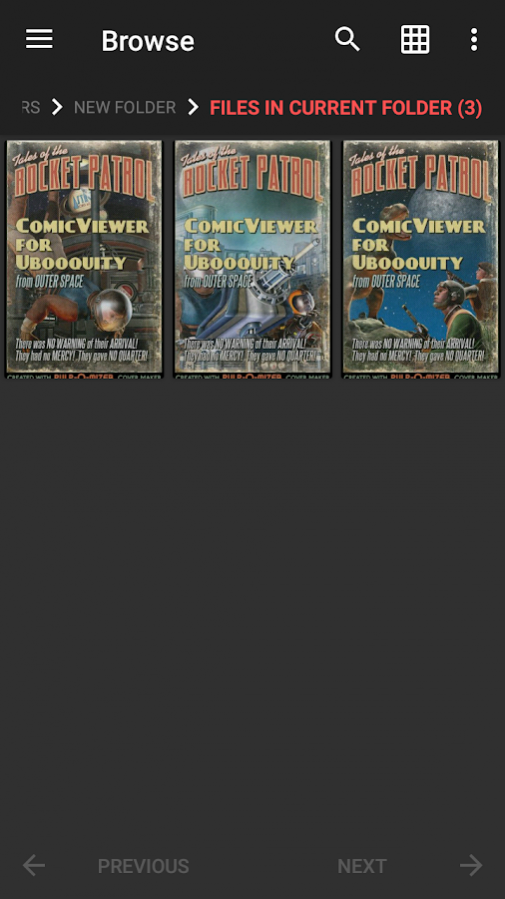
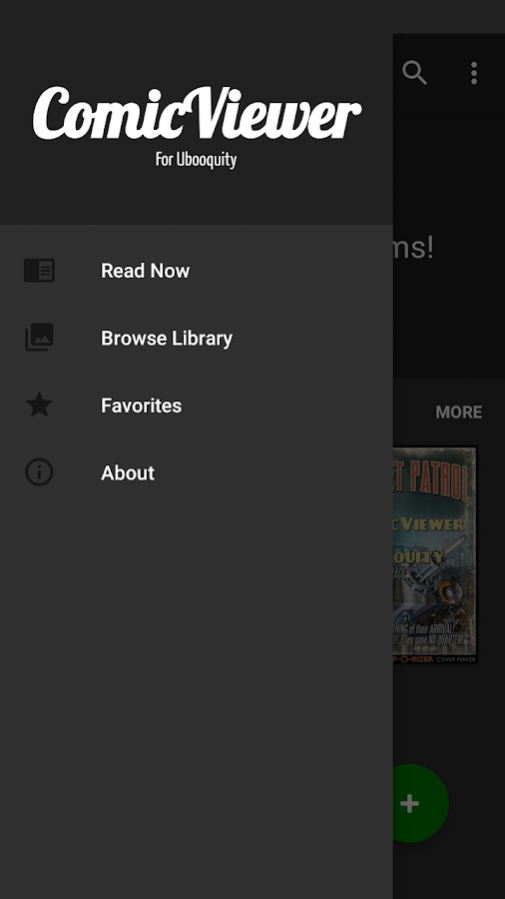
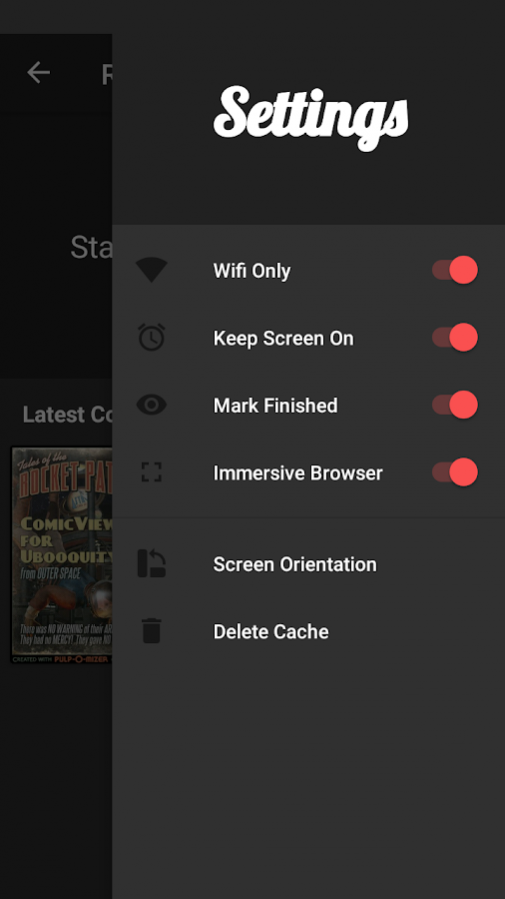
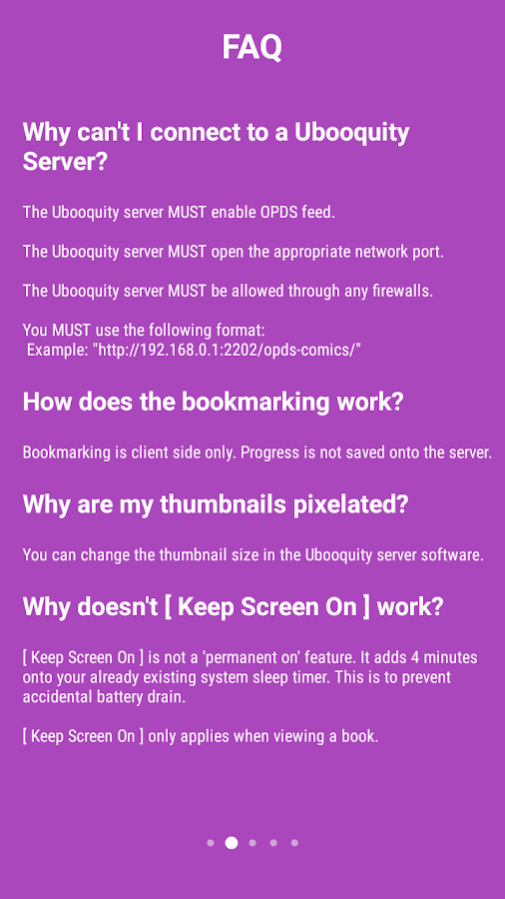
This lightweight application can load comic books for the Ubooquity server software.
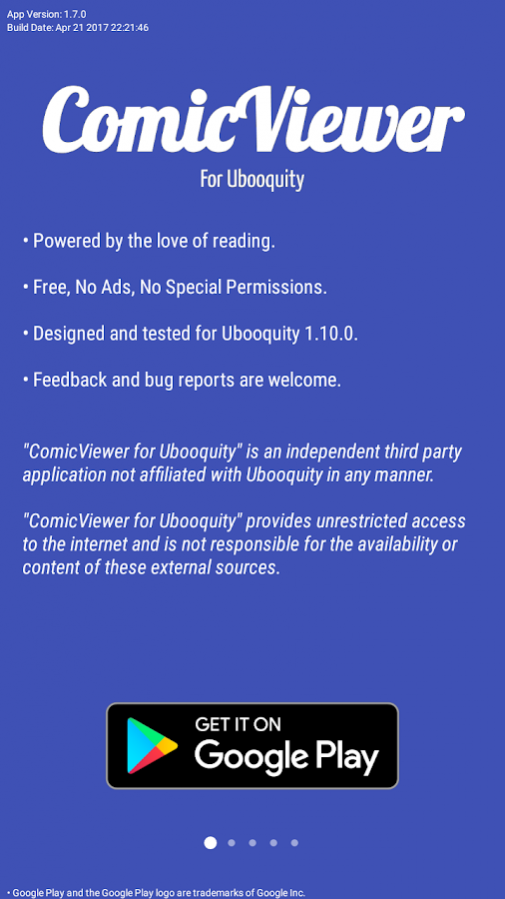
• Powered by the love of reading.
• Free, No Ads, No Special Permissions.
• Designed and tested for Ubooquity 1.10.0.
• Feedback and bug reports are welcome.
This is
NOT
a stand-alone comic viewer.
This app
REQUIRES
the Ubooquity server software to function properly.
The Ubooquity server
MUST
enable OPDS feed.
When adding server address you must follow this format:
Example: "http://192.168.0.1:2202/opds-comics/"
Current Known Bugs:
- Search results do not add to "Recently Viewed".
- Search results do not support NEXT in series popup.
Disclaimer:
"ComicViewer for Ubooquity" is an independent third party application not affiliated with Ubooquity in any manner.
"ComicViewer for Ubooquity" provides unrestricted access to the internet and is not responsible for the availability or content of these external sources.
About ComicViewer for Ubooquity
The company that develops ComicViewer for Ubooquity is Seth Chhim. The latest version released by its developer is 1.7.5.
To install ComicViewer for Ubooquity on your Android device, just click the green Continue To App button above to start the installation process. The app is listed on our website since 2017-05-19 and was downloaded 0 times. We have already checked if the download link is safe, however for your own protection we recommend that you scan the downloaded app with your antivirus. Your antivirus may detect the ComicViewer for Ubooquity as malware as malware if the download link to com.sethchhim.comicviewerforubooquity is broken.
How to install ComicViewer for Ubooquity on your Android device:
- Click on the Continue To App button on our website. This will redirect you to Google Play.
- Once the ComicViewer for Ubooquity is shown in the Google Play listing of your Android device, you can start its download and installation. Tap on the Install button located below the search bar and to the right of the app icon.
- A pop-up window with the permissions required by ComicViewer for Ubooquity will be shown. Click on Accept to continue the process.
- ComicViewer for Ubooquity will be downloaded onto your device, displaying a progress. Once the download completes, the installation will start and you'll get a notification after the installation is finished.
Program Details
System requirements
Download information
Pricing
Version History
version 1.7.5
posted on 2017-05-19
Added: book details in comic reader overlay
Fixed: text now removes html tags
Fixed: bug where Ubooquity 2.+ cuts off text
Fixed: bug where "&" cuts off text
Fixed: comic bookmarks now detected by series
Fixed: comic reader seekbar dynamic image size
Fixed: comic reader overlay hides after overflow menu selection
Fixed: comic reader overlay hides after hardware back press
Fixed: comic details font, size, and orientation
Fixed: rare crash in comic reader
Fixed: rare crash on back press
version 1.5.5
posted on 2016-10-06
Version 1.5.5,Added- screen orientation preference,Fixed- browser double click same item,Fixed- recent items sometimes erases itself,Version 1.5.4,Added- mark finished toggle,Fixed- close activity intention,Fixed- error handling loop,Fixed- crash on lower android,Fixed- header path initial creation,Fixed- header path orientation change,Fixed- right drawer back press,Fixed- green bottom right menu icon,Fixed- build date
Disclaimer
External Download
We do not host ComicViewer for Ubooquity on our servers. We did not scan it for viruses, adware, spyware or other type of malware. This app is hosted by Galad and passed their terms and conditions to be listed there. We recommend caution when installing it.
The APK Download link for ComicViewer for Ubooquity is provided to you by apps112.com without any warranties, representations or guarantees of any kind, so access it at your own risk.
If you have questions regarding this particular app contact the publisher directly. For questions about the functionalities of apps112.com contact us.
